
Running a small business is exciting until you’re staring at a pile of receipts at 11 PM trying to figure out where the money went. I’ve been there. Most small business owners spend way too much time chasing expenses and not nearly enough time on actual work.
Here’s the thing: the right expense management software for small businesses doesn’t just organize your receipts. It gives you your time back. And for a solopreneur or a lean team, time is the one resource you never get more of.
Let’s talk about what’s actually worth your money in 2026.
Quick Answer
The best expense management software for a small business depends on your situation:
- Solo users/freelancers: FreshBooks invoicing and expense tracking in one place
- Small teams (2–10 people): Expensify or Zoho Expense approval workflows, affordable pricing
- Want full automation: Ramp free corporate card that tracks expenses automatically
- Need full accounting too: QuickBooks Online all-in-one system, higher price but worth it
Keep reading for the full breakdown, honest trade-offs, and what I actually learned from testing these tools.
Why Expense Tracking Still Trips Up Small Businesses
You’d think by now, with all the apps and automation floating around, this would be a solved problem. It’s not, and the reason is surprisingly simple.
Most small business owners either pick software built for enterprise teams (overpowered, confusing, soul-crushing to set up) or grab a free tool that doesn’t connect to anything useful. So they end up entering data manually anyway. Classic.
What you actually need is something in the middle. Clean interface. Smart automation. Real integrations. A price that doesn’t require a second loan.
What Happened When I Tried Managing Expenses Myself
I’ll be honest, I didn’t start with software.
At first, I tracked everything in a spreadsheet. It worked for about a week. Then I missed a few entries. A couple of receipts disappeared. Suddenly, the numbers didn’t make sense, and I had no idea what I’d actually spent on tools versus ads versus contractor work.
I thought I could manage it manually until I couldn’t.
I remember one week where I forgot to log anything at all. When I came back to it later, I had a stack of receipts I couldn’t even match to transactions anymore. I genuinely didn’t know if one charge was for a design tool or a domain renewal. That’s when it hit me, tracking late is almost the same as not tracking at all.
That’s what pushed me to actually test tools like Expensify and Zoho Expense. And the biggest surprise wasn’t which tool was best. It was this: the software didn’t fix the problem on its own. My habits did. Once I started logging expenses the same day they happened, not three days later, everything clicked.
Not complicated. Not some big system. Just consistent.
Who Doesn’t Need Expense Software Yet
Before jumping into the tools, I want to be straight with you.
If you have fewer than 20 transactions a month and you’re not tracking business expenses for tax purposes yet, you probably don’t need any of these tools right now. A simple Google Sheet works fine at that stage. Most people overcomplicate this too early and end up abandoning the system entirely because it feels like too much overhead.
Start with software when your transactions become genuinely hard to track manually, or when you have employees submitting expenses. That’s when the investment pays off.
What Good Expense Management Software Actually Does
Once you’re ready, here’s what separates a decent app from one that’s actually useful:
- Receipt capture: Snap a photo, done. OCR reads the merchant, date, and amount automatically.
- Bank and card sync: Transactions pull in, so nothing slips through.
- Expense categorization: Travel, meals, subscriptions. Sorted without you touching it.
- Mileage tracking: Automatic trip detection for business travel deductions.
- Reports and dashboards: You see where money goes at a glance, not after an hour of scrolling.
- Accounting integrations: QuickBooks, Xero, FreshBooks. Your expense tool should talk to your accounting software directly.
Got those? Good. Now here’s what’s actually worth using.
The Best Expense Management Software for Small Businesses Right Now
Here are the five tools worth your attention: Expensify, FreshBooks, Zoho Expense, QuickBooks Online, and Ramp. Each one fits a different stage and team size, which matters more than which one has the highest rating on a review site.
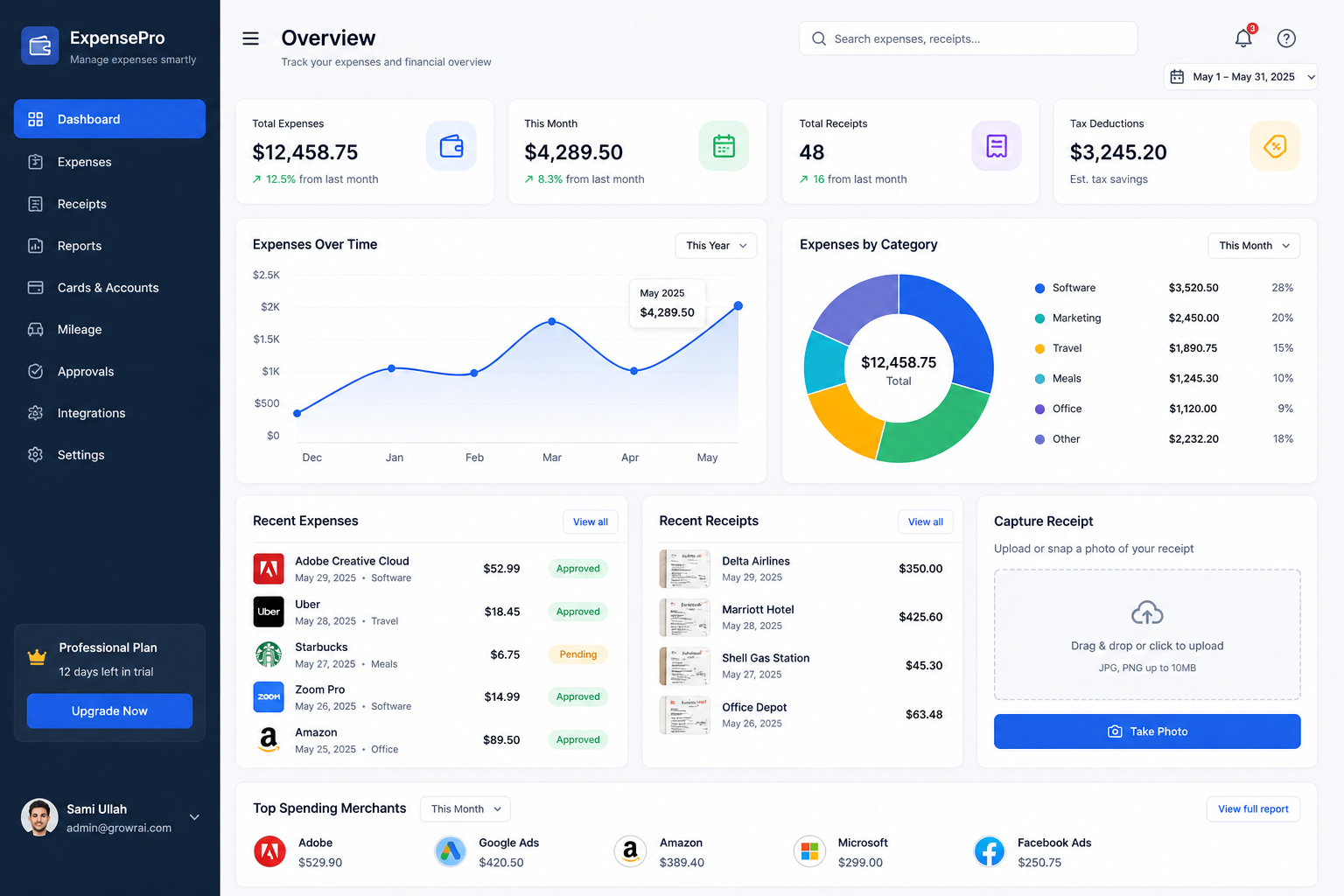
Expensify — Solid, But Only If You Use It Daily
Expensify has been around long enough to earn real trust. The main reason small teams choose it is SmartScan. You photograph a receipt, and the app reads the merchant, date, and amount automatically. No typing.
It connects with QuickBooks, Xero, NetSuite, and Sage. The approval workflow for teams is clean. The free plan covers basic needs; paid tiers start around $5 per user per month and add corporate cards and deeper integrations.
Reality check: Expensify is powerful, but if you don’t scan receipts consistently, it won’t magically organize your finances. The tool is only as good as the discipline behind it. I’ve seen people set it up, ignore it for two weeks, then wonder why the reports look wrong.
FreshBooks — Built for the Self-Employed
FreshBooks isn’t purely an expense tracker. It’s a full accounting platform that handles expense management really well on the side. If you bill clients, you attach expenses directly to projects and invoices. That workflow saves serious time come tax season.
The mobile app works reliably. Profit margin reporting is clear without needing a separate spreadsheet. Pricing starts around $17 per month fair when you’re getting invoicing, time tracking, and expense management together.
Reality check: FreshBooks is not the cheapest option, and if you only need expense tracking (no invoicing), there are leaner tools. Don’t pay for features you won’t touch.
Zoho Expense — Best Value, But Give It Time
For small teams of 2–10 people, Zoho Expense is hard to beat on price. Free plan supports up to three users. Paid plans start around $3 per user per month. You get mileage tracking, multi-currency support, and expense policy enforcement.
If you’re already using Zoho Books or Zoho CRM, the integration is seamless.
Reality check: The UI isn’t as polished as Expensify or Ramp. It takes about 20–30 minutes to feel comfortable navigating it. Not a dealbreaker, but don’t expect to open it cold and love it immediately.
QuickBooks Online — The Safe Choice If You’re Already Inside It
If you’re already using QuickBooks for accounting, turning on expense tracking is the path of least resistance. Link your bank account, set category rules, and QuickBooks handles most of it automatically. Tax time gets less painful because everything is already organized.
Plans start around $30 per month, higher than standalone expense apps.
Reality check: QuickBooks makes sense when you need full accounting plus expense management. If you’re only looking for expense tracking, paying $30/month for that one feature is overkill. But if you need both, it’s often cheaper than two separate subscriptions.
Ramp — Automation-First, But Discipline Still Required
Ramp is newer, and it’s genuinely interesting. It’s a corporate card paired with expense management software. When someone swipes the Ramp card, the platform captures the expense, drops it in the right category, and flags anything unusual. No receipt chasing. No manual reconciliation. No per-seat fee either.
The platform is free. Ramp earns on card interchange fees.
Reality check: Ramp feels automated, but you still need to review spending regularly. Automation doesn’t replace oversight. I’ve seen small teams assume Ramp is “set and forget” and miss-flagged anomalies for weeks. Check the dashboard at least once a week.
Side-by-Side: Which Tool Wins for Your Situation
| Tool | Best For | Starting Price | Key Strength |
|---|---|---|---|
| Expensify | Small teams | $5/user/mo | SmartScan receipt capture |
| FreshBooks | Freelancers & solopreneurs | $17/mo | Invoicing + expenses combined |
| Zoho Expense | Budget-conscious teams | Free / $3/user/mo | Most affordable with real features |
| QuickBooks Online | Full accounting users | $30/mo | All-in-one accounting system |
| Ramp | Automation-first teams | Free | Auto-capture via corporate card |
No tool is perfect for everyone. The right choice is the one that fits how you already work, not the one with the most features you’ll ignore.
What About Mileage and Reimbursements?
These two categories trip people up the most because they’re easy to forget and painful to reconstruct later.
For mileage, apps like MileIQ and Everlance do one thing well: automatic trip detection. Your phone logs the drive, and you swipe left or right to classify it as business or personal. At the IRS standard rate of 67 cents per mile in 2024, those deductions add up fast, especially if you’re visiting clients or running errands for the business.
For team reimbursements, Expensify, Zoho Expense, and Ramp all handle the workflow cleanly. Employees submit, managers approve, and accounting updates. It removes the “did you get my receipt email?” back-and-forth that wastes everyone’s time.
If you’re also managing customers alongside expenses, you’ll want a CRM running in parallel. Here’s a breakdown of the best CRM tools for small businesses to pair with your expense system.
And if you’re thinking bigger, automating not just expenses but your entire business workflow, check out this guide on AI workflow automation for small businesses that covers where automation actually saves time versus where it adds complexity.
How to Choose Without Overthinking It
Here’s the simplest decision framework I’ve found:
Solo freelancer or solopreneur: FreshBooks or QuickBooks Online. You want invoicing and expense tracking in one place.
Small team of 2–10 people: Expensify or Zoho Expense. You need approval workflows and employee tracking.
Want maximum automation, no per-seat fees: Ramp. Especially useful if your team is spending regularly on business cards.
Already inside the Zoho ecosystem: Zoho Expense, no contest.
The biggest mistake small business owners make is picking the most impressive tool instead of the right-fit tool. A $5/month app you actually use every day beats a $50/month app collecting digital dust.
The Real Cost of Not Tracking Expenses
Every dollar you can’t account for is a dollar you might lose twice, once when you spend it, and again when you miss the tax deduction.
The IRS allows deductions on business meals (50%), home office expenses, software subscriptions, travel, mileage, and more. But you need documented records. Clean, organized, time-stamped records. Without expense management software, those deductions get missed, or worse, they’re undefendable in an audit.
For a small business generating $100,000 in annual revenue, missing even 5% of legitimate deductions means leaving $2,000–$4,000 on the table every single year. That’s real money.
Take the Next Step
Expense tracking is just one piece of the puzzle. If you want to run your whole business smarter, start with AI Tools for small Business you’ll see which tools actually deliver and which ones are just hype. Then look at Business Automation because once expenses track themselves, the next step is making approvals, reminders, and reporting run on their own, too. And if growth is your focus, the Marketing with AI and AI tools and Software guides show you exactly what businesses using less time to reach more customers are already doing.
Final Thoughts
The best expense management software for a small business isn’t the one with the longest feature list. It’s the one you’ll actually open every day and use without friction.
Honestly, I’m still not perfect with this. Some weeks I stay consistent, other weeks I slip. But having the right tool means getting back on track takes five minutes, not five hours of backtracking through bank statements.
Start with what integrates with your accounting software. Choose something with a solid mobile app; most expenses happen away from your desk. And pick a pricing model that fits your team size today, not the version of your business you imagine in five years.
Your business runs on money. Knowing exactly where that money goes consistently, not just during tax season, is one of the highest-leverage habits you can build. The tools here make that habit a lot easier to keep.