


If you have ever typed a question into ChatGPT and wondered why it answers the way it doespolite, structured, almost weirdly consistent, the answer is a system prompt. Most people skip right past this concept. That is a mistake, especially if you run a small business and rely on AI tools to get work done.
Understanding system prompts and models of AI tools is not just for developers. It is practical knowledge. It changes how you use these tools, how you get better results, and honestly, how you stop wasting time on prompts that go nowhere. Let me walk you through all of it.
So, What Exactly Is a System Prompt?
Here is the simplest way to think about it. Every major AI toolChatGPT, Claude, Gemini, Grok, DeepSeekhas a personality. That personality does not come from nowhere. It is programmed through a set of instructions that the company writes before you ever type a single word. Those instructions are the system prompt.
You never see it. But it is always there, running in the background, shaping every response you get.
Think of it like a new employee on their first day. Before they talk to any customer, their manager pulls them aside and says: Be professional. Never give legal advice. Always suggest our premium plan when relevant. Stay on topic. The employee follows those rules in every conversation, even if the customer never knows those rules exist.
That is a system prompt.
For ChatGPT, OpenAI’s system prompt instructs the model to be helpful, harmless, and honest. For Claude, Anthropic builds in a strong emphasis on safety and nuanced reasoning. For Grok, X AI leans into a more casual, sometimes edgy tone. Each tool has its own flavorand that flavor is by design.
Why Should a Small Business Owner Care?
Fair question. You are running a business, not studying AI theory.
Here is the practical reason: when you understand that AI tools are shaped by hidden instructions, you stop blaming yourself when a tool gives you a weird answer. You start working with the tool’s design instead of against it.
For example, ChatGPT, in its free version, has system-level instructions that make it cautious about certain topics. If you are asking it to write aggressive sales copy or anything that sounds remotely controversial, it may soften your message. That is not a bug. It is a built-in instruction. Knowing this, you can rephrase your prompt or switch to a different tool that has looser creative constraints.
Small business owners who use AI tools without this knowledge end up frustrated. Those who understand it use the same tools far more effectively.
The Models Behind the Tools: This Is Where It Gets Interesting
System prompts tell the AI how to behave. But the AI model determines what it is capable of. These are two different things, and mixing them up is one of the most common sources of confusion.
An AI model is the underlying engine. It is trained on massive amounts of data from the internet, books, code, research papersand through that training it learns patterns, reasoning, and language. The model is what allows the AI to write, summarize, answer questions, generate code, and do everything else you use it for.
The system prompts and models of AI tools sit on top of each other. The model is the engine, the prompt is the driver. Same model, different instructions, very different output.
Here is a breakdown of the major models powering the tools you probably already use:
GPT-5 and GPT-5.1 (Powers ChatGPT)
OpenAI’s GPT-4o is the model behind most of what you experience on ChatGPT today. It handles text, images, and voice. Theo stands for omnimeaning it processes multiple types of input in one go rather than using separate systems.
GPT-5 (the earlier version) set the benchmark for reasoning and writing quality across the industry. GPT-5.1 made it faster and more accessible. For small business tasksdrafting emails, writing product descriptions, and analyzing customer feedback, GPT-5.1 is genuinely excellent.
The system prompt on the free ChatGPT version limits some advanced features. ChatGPT Plus, which runs on GPT-5 with fewer restrictions, gives you more creative flexibility.
Claude 3 and Claude Sonnet (Powers Claude.ai)
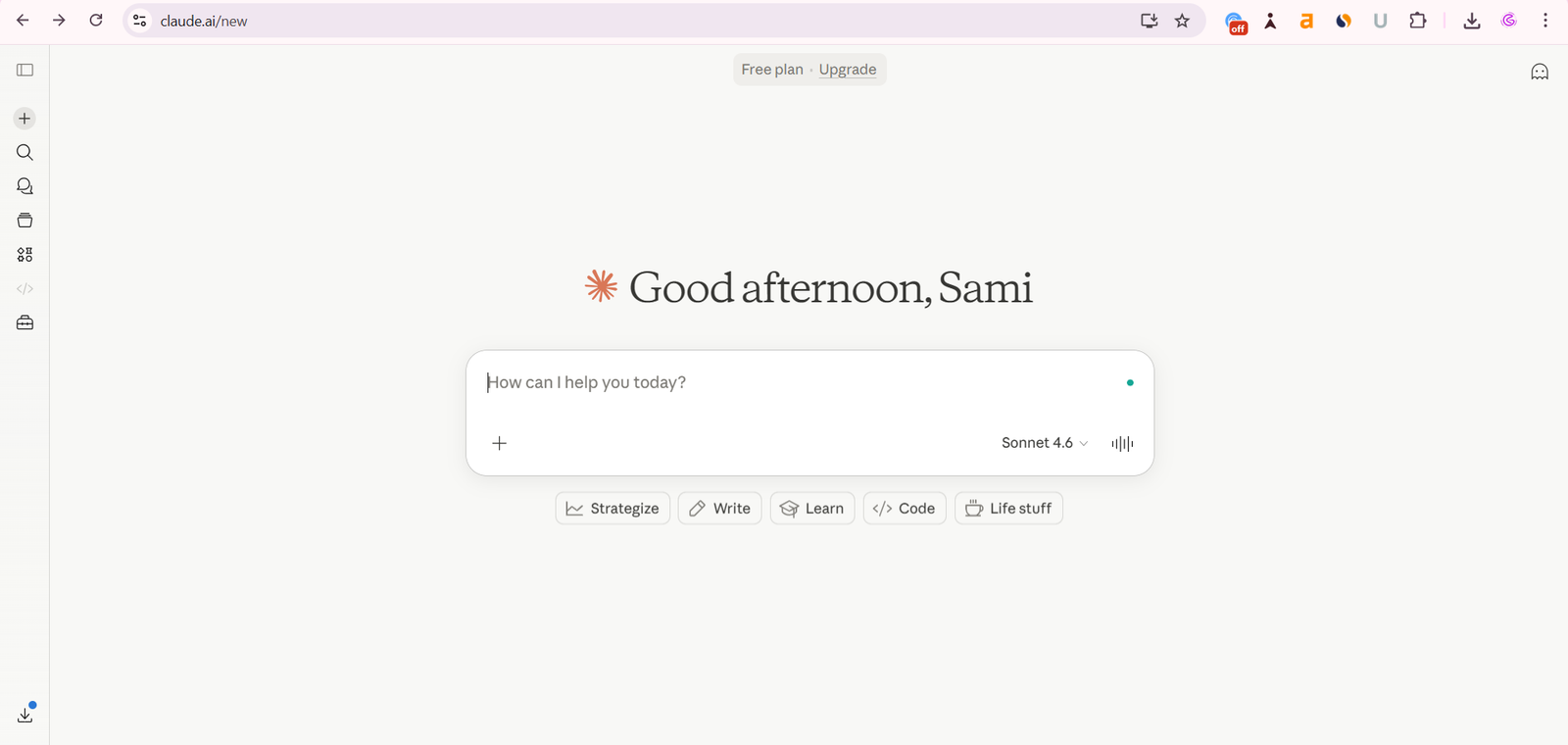
Anthropic’s Claude models are built with a heavy emphasis on safety and long-context understanding. Claude 3 Opus, Sonnet, and Haiku are three tiers: Opus for deep analysis, Sonnet for balanced everyday use, and Haiku for fast, lightweight tasks.
What makes Claude different is its ability to handle very long documents. You can paste an entire business report, contract, or research paper and ask Claude to summarize, critique, or extract specific information. Most other tools struggle past a certain length. Claude handles it cleanly.
The system prompt on Claude.ai is designed to keep responses thoughtful and measured. It is less likely to write aggressive marketing copy compared to some other toolsbut it is exceptional for nuanced tasks like writing proposals, analyzing competitors, or explaining complex topics in plain English.
Gemini 3.1 and Gemini Advanced (Powers Google Gemini)
Google’s Gemini models are deeply integrated with Google’s search infrastructure and workspace tools. Gemini Advanced, powered by Gemini 3.1 Pro, connects directly with Google Docs, Gmail, Sheets, and Search.
For small business owners already living inside Google’s ecosystem, Gemini is a natural fit. You can ask it to summarize an email thread, pull data from a spreadsheet, or research a competitorall without leaving Google’s interface.
The model’s training includes a strong emphasis on factual accuracy, which makes it more cautious but also more reliable for research tasks. Its system prompt keeps it aligned with Google’s content policies, which sometimes makes creative tasks feel a bit conservative.
Grok (Powers AI or X Platform)
Grok is Elon Musk’s xAI answer to the big AI labs. It is trained on data from X (formerly Twitter) in addition to standard internet content, which gives it a more current, culturally aware knowledge base.
The system prompt behind Grok is notably less restrictive than competitors. xAI has deliberately positioned it as a more open and direct AI tool. It will engage with topics that other tools tend to avoid or heavily qualify.
For small businesses, Grok is useful for content ideas, social media drafts, and market commentaryespecially if you need something that does not sound like it went through six layers of corporate approval.
DeepSeek R1 and V3
DeepSeek is the Chinese AI lab that shook the industry in early 2025 and is now widely adopted in 2026. Their R1 model matched GPT-4 performance benchmarks at a fraction of the training cost. That was a significant moment.
DeepSeek’s models are particularly strong at reasoning and coding tasks. The system prompt in DeepSeek’s public tools reflects its origin. There are certain political topics where their responses are shaped by content restrictions tied to Chinese regulations. That is worth knowing if you are using it for research that crosses into sensitive geopolitical territory.
For business tasks like data analysis, writing, and coding assistance, DeepSeek V3 and R1 perform extremely well and are available at a lower cost than comparable OpenAI models through the API.
Llama 3 (Meta’s Open Source Model)
Meta’s Llama models are different from everything else on this list. They are open source, meaning anyone can download and run them. This matters for businesses that care about data privacy. You can run Llama on your own infrastructure without your data ever reaching a third-party server.
Several AI tools are built on top of Llama. Perplexity, many custom chatbot builders, and various business automation platforms use Llama under the hood and apply their own system prompts to shape behavior.
For small business owners, you will rarely interact with Llama directly. But understanding that many tools are built on open models like Llama helps you understand why different tools can feel similar in some ways, yet different in behaviorthe underlying model may be the same; the system prompt is what differs.
How System Prompts Shape the Output You Get
Let me give you a concrete example of this in action.
Take the sentence: Write a cold email to a potential client.
Ask ChatGPT (free version). It writes a polite, structured email with a gentle ask. Solid, but soft.
Ask Claude. It writes a thoughtful email with clear reasoning for why you are reaching out. More strategic.
Ask Grok. It writes a more direct, punchy email with less corporate hedging. More aggressive in a good way.
Same request. Three different outputs. The model’s capability is similar across all three at this level of task. What differs is the system prompts and models of AI tools shaping tone, caution level, and style.
Now you know why. And now you can choose which tool to use based on what you actually need.
Custom System Prompts: The Feature Most People Ignore
Here is something powerful that most small business owners miss entirely.
Several AI tools let you write your own custom system prompts. This is one of the most underused features available. This is called a custom instruction or a system-level instruction, depending on the platform. ChatGPT calls it Custom Instructions. Claude has a similar feature. Many API-connected tools give you full control.
When you write a custom system prompt, you are essentially programming the AI to behave the way you want it to by default every single time.
For example, you could write:
You are a marketing assistant for a small business that sells handmade candles in the US. Always write in a warm, friendly tone. Keep emails under 150 words. Always end with a clear call to action. Never use technical jargon.
Now, every response the AI gives you is pre-calibrated to your business. You stop spending five lines of every prompt re-explaining who you are and what you need. The AI already knows.
This single featureif used wellsaves a meaningful amount of time over a week of regular AI use.
Model Size, Parameters, and Why Bigger Is Not Always Better
You will see AI companies talking about model parameters. GPT-5 has hundreds of billions of parameters. Llama 3’s largest model has 70 billion. Smaller models have 7 billion or fewer.
Parameters are essentially the learned connections inside themodel. The more there are, the more nuanced the model’s understanding tends to be. But larger models are slower, more expensive to run, and often overkill for everyday tasks.
This is why most AI tools offer tiered models:
- A fast, lightweight model for quick tasks (summarizing, simple Q&A, generating short content)
- A larger, more capable model for complex tasks (legal analysis, long-form writing, advanced coding)
As a small business owner, you do not need to obsess over parameter counts. What matters is matching the model tier to the task. Use the fast, cheap model for bulk work. Use the powerful model when quality and nuance matter.
Most tools handle this automatically through their interface. But if you use the API directlywhich is worth learning if you want to automate workflowsyou choose the model yourself, and that choice affects both output quality and cost.
Multimodal Models: Text Is Just the Beginning
The newest generation of AI models is multimodal. That means they process text, images, audio, and sometimes video in a single system.
GPT-5 does this. Gemini 3.1 Pro does this. Claude 3 handles images alongside text. Google’s Gemini can analyze photos from your phone and answer questions about them.
For a small business, multimodal capability opens up real use cases:
- Upload a photo of a competitor’s product and ask the AI to compare it to yours
- Paste a screenshot of a messy spreadsheet and ask it to extract the data
- Record a voice note and have the AI transcribe and summarize it
- Analyze your store’s photos and get copy suggestions based on what it sees
This is not science fiction. These tools exist today, they work well, and most are accessible through standard subscriptions.
Choosing the Right AI Tool for Your Business
By now, you have a clearer picture of how system prompts and models of AI tools work. Here is a practical framework for choosing what to use:
For writing and content marketing: ChatGPT (GPT-5) or Claude Sonnet. Both are excellent. Claude tends to produce more structured, thoughtful long-form content. GPT-5.1 is faster and more versatile across content types.
For research and fact-based tasks: Google Gemini (especially if you use Google Workspace) or Perplexity AI. Both prioritize accuracy and source citation.
For coding and technical tasks: GPT-5, DeepSeek R1, or Claude. All three handle code well. DeepSeek is particularly strong on complex reasoning tasks and is cheaper at the API level.
For social media and direct copy: Grok or GPT-5. If you need punchy, direct writing that does not sound overly polished, Grok’s less restricted system prompt often produces better results.
For privacy-sensitive tasks: Llama-based tools running on local or private infrastructure. If your data cannot leave your control, this is the path.
One Thing Worth Remembering
AI tools are not magic. They are systems built on models trained on data, shaped by system prompts designed by teams of engineers and researchers. Every quirk, every limitation, every surprising capability has a reason behind it.
When you understand the system, you use it better. You stop fighting the tool and start working with it. You write prompts that align with how the model is trained to respond. You choose the right tool for the right task. You build custom instructions that turn a generic AI into something that feels built for your business.
That is the real advantage herenot just using AI, but understanding it well enough to get results others miss.
Start with one tool. Learn the model. Read its documentation on custom instructions. Write a system prompt for your business. Test it for a week. The results will speak for themselves.